A flashcard app that turns your notes
into a Daily Quiz, so you can master
Spanish on your iPhone.

Tap a highlighted word to try another.

Download on the App Store

FREE TO DOWNLOAD · ★ 4.5 ON THE APP STORE · NO DATA COLLECTED

The real app.
On iPhone and Mac.

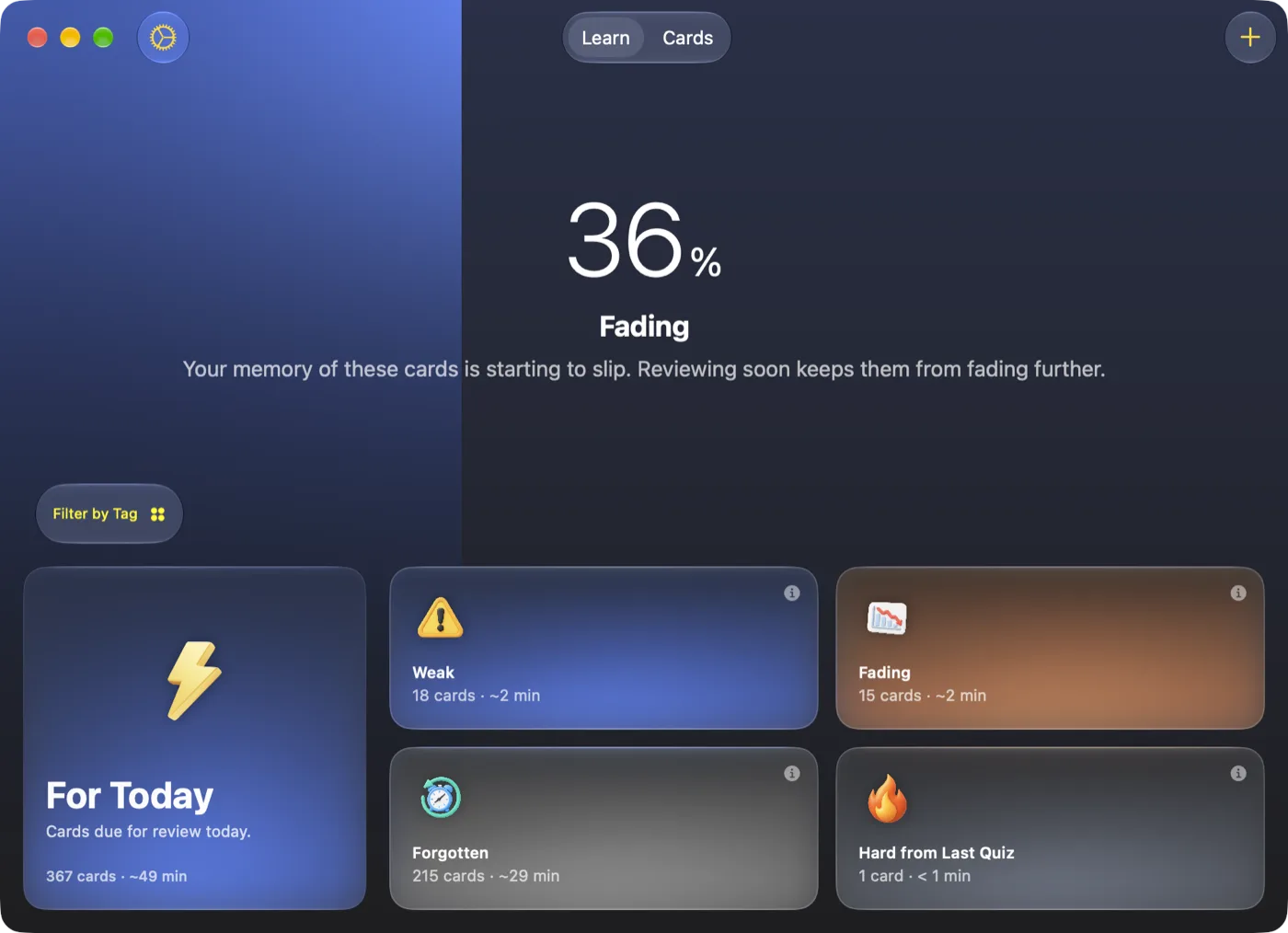
Studit on Mac: memory score, For Today, Weak, Fading and Forgotten study cards
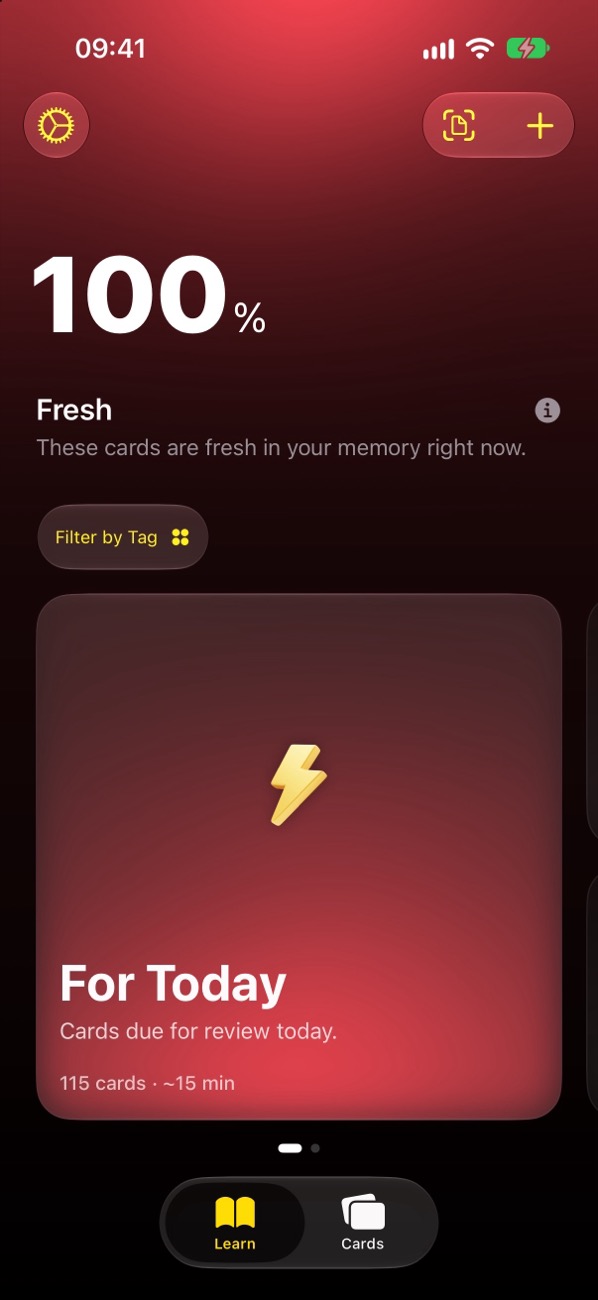
Studit on iPhone: For Today, 115 cards due
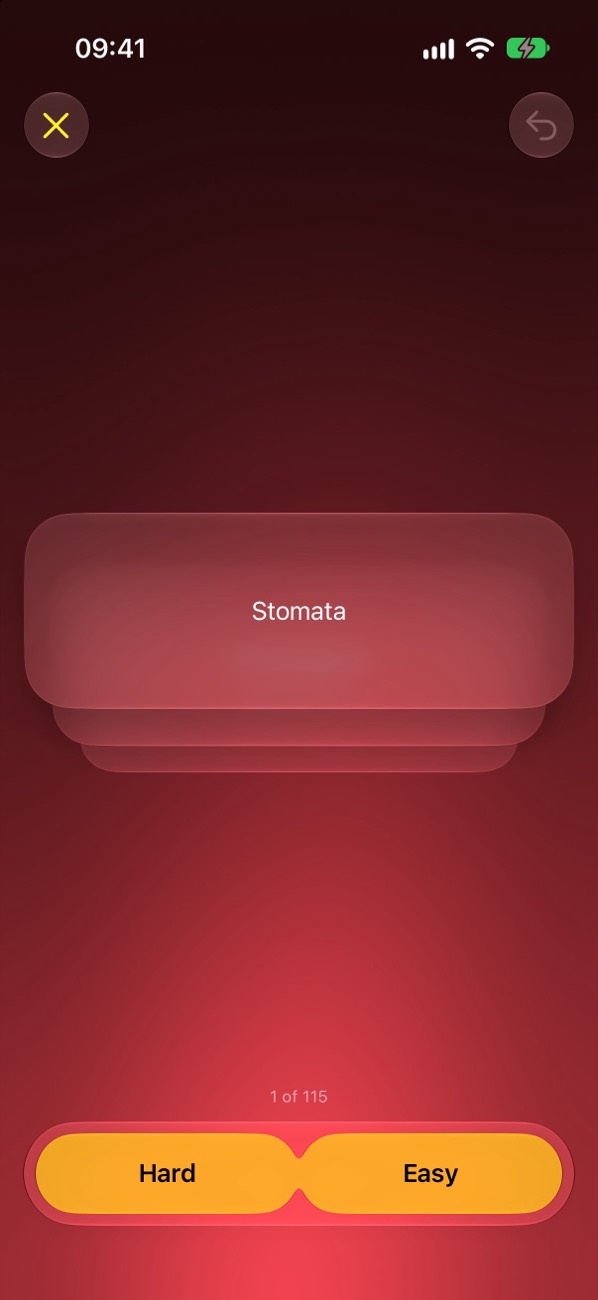
A flashcard quiz with Hard and Easy buttons
Quiz in secondsFlip, then tell Studit if it was hard or easy.
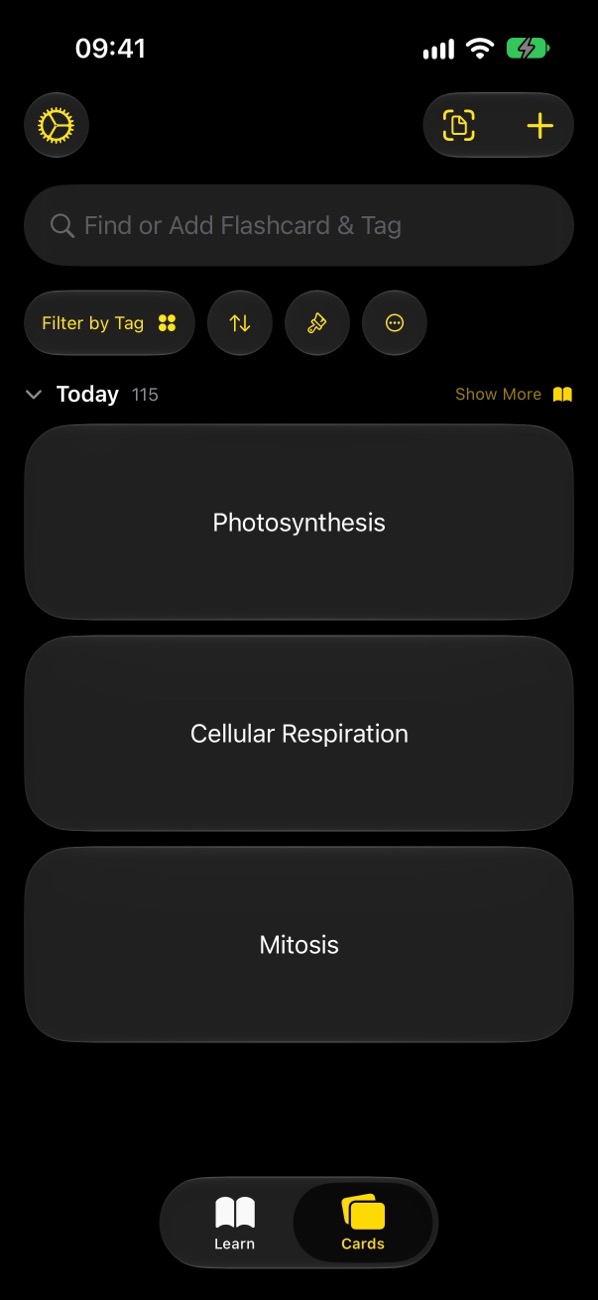
The Cards tab listing biology flashcards due today
All your cardsSearch, sort and filter by tag.
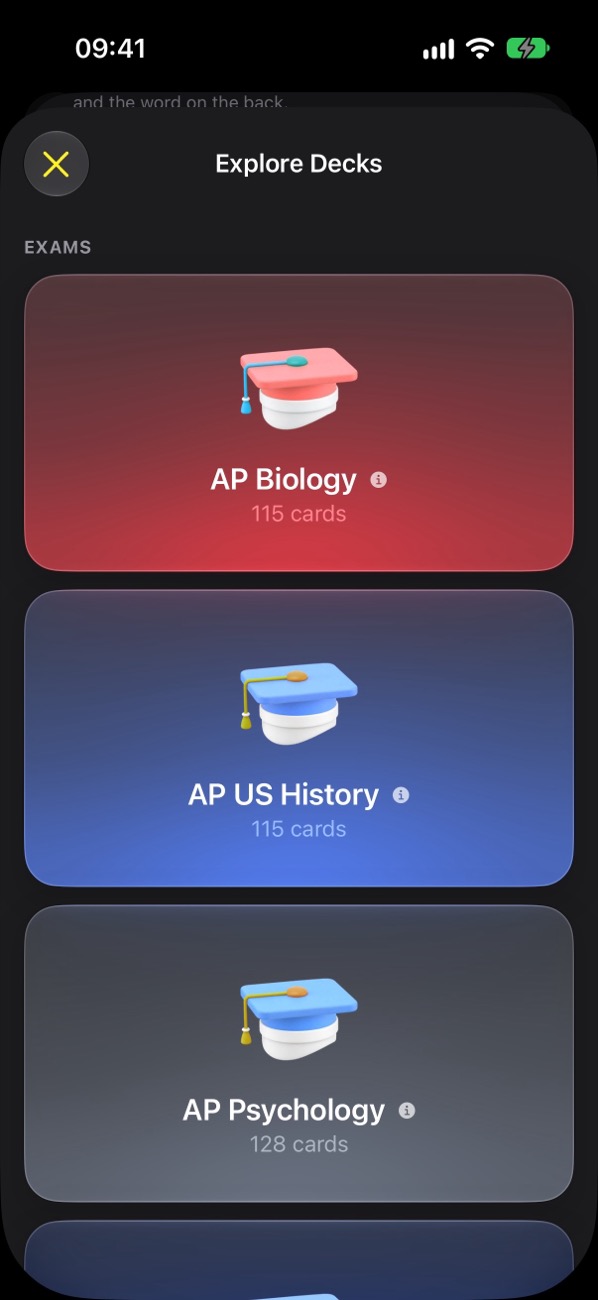
Explore Decks with AP Biology, AP US History and AP Psychology
Ready-made decksAdd a whole deck in one tap.

Scan your notes.
Get a deck.

On iPhone and iPad.

Studit home screen with the Scan button

On Mac, type cards in seconds or bring a whole deck in with CSV import.

Start with a deck
that's already made.

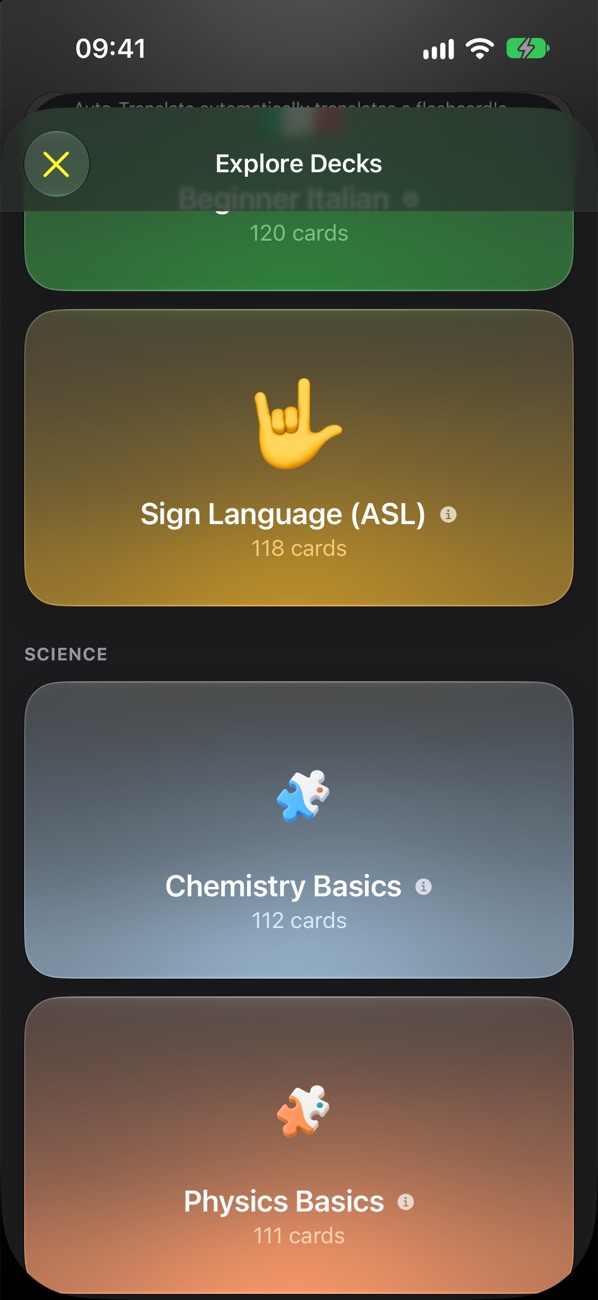
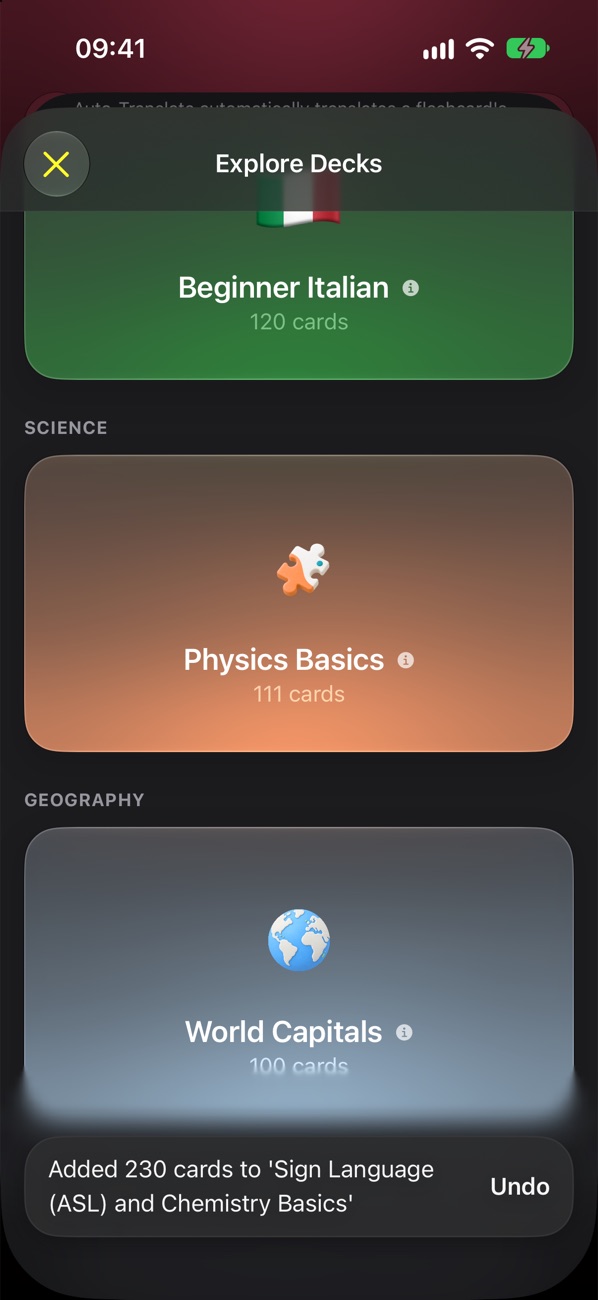
Explore Decks: Beginner Italian, Sign Language (ASL), Chemistry Basics
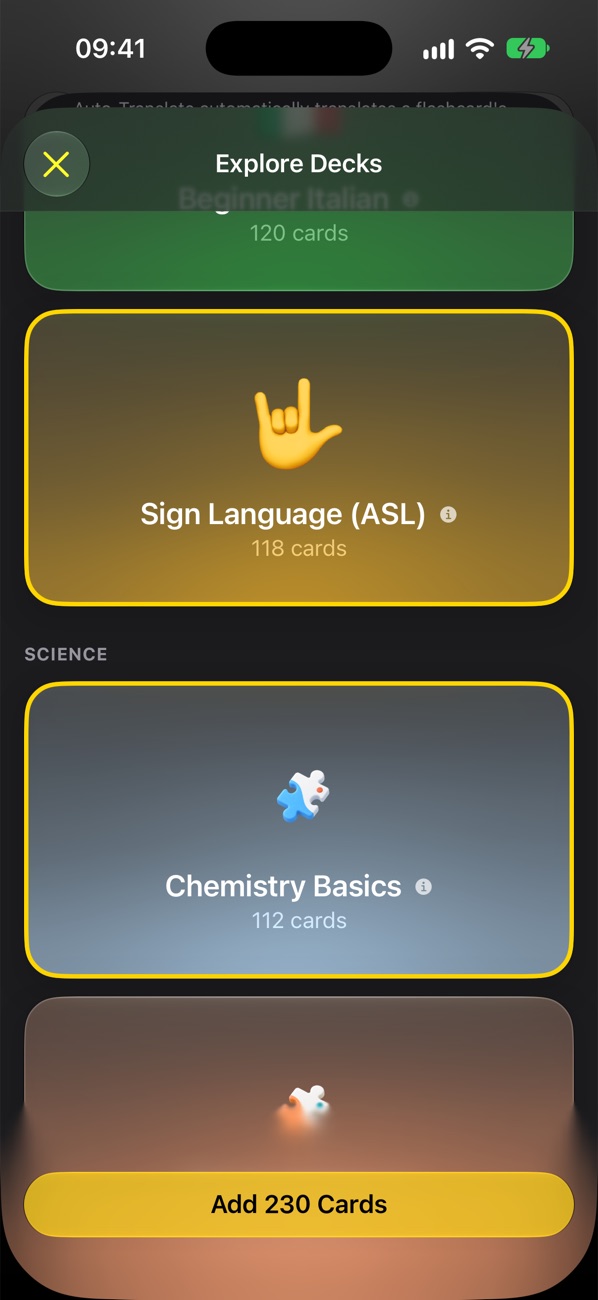
Two decks selected with an Add 230 Cards button
Toast: Added 230 cards, with Undo
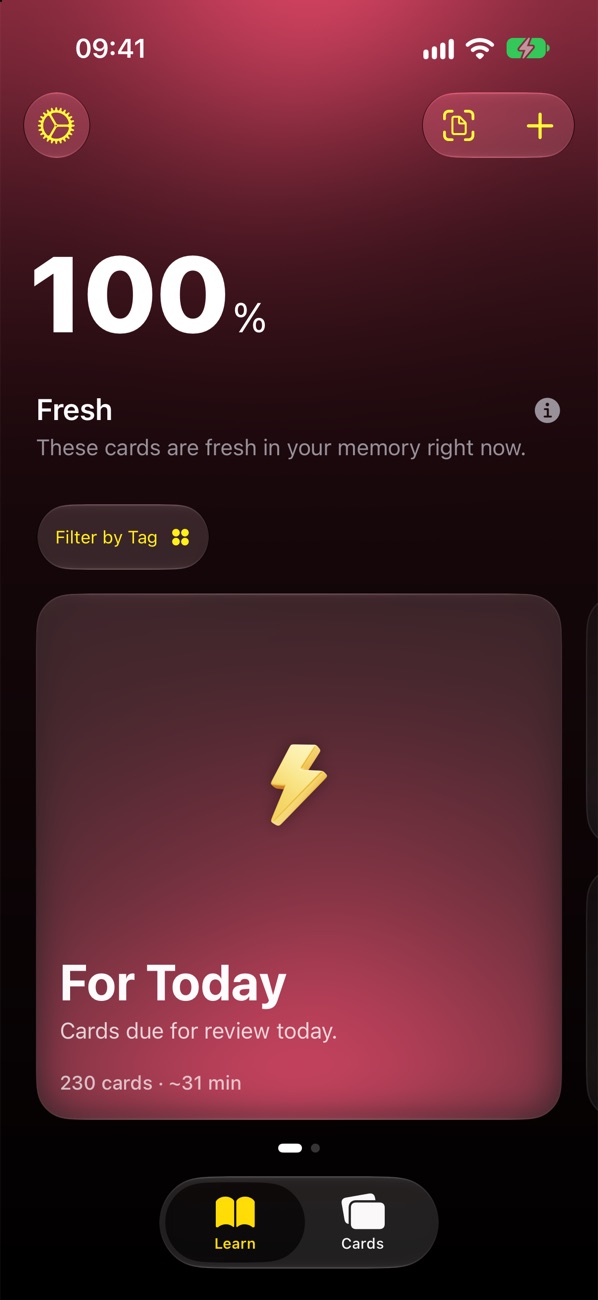
Home screen: For Today, 230 cards

A complete study system.

Everything that matters for remembering, nothing that doesn't.

Scan to cards

Point your camera at printed or handwritten notes and they become flashcards.

Tags

Give a card as many tags as you like, then combine them to quiz the exact slice you need.

Daily Quiz

Built for you every day around the cards you're about to forget. Just press start.

Weak, Fading, Mastered

Every card has a memory state, so you can see what's sticking and what isn't.

CSV import

Move hundreds of cards in at once from a spreadsheet, Quizlet or Anki export.

Reverse study

Test yourself back to front too, for recall in both directions. Ideal for languages.

Widgets and dark mode

Your next card on the home screen, and an app that looks right at 1am.

Every Apple device

Native on iPhone, iPad and Mac, synced through iCloud.

Everything you need
to remember more.

Your cards

Make them, scan them, import them, or start from 16 ready-made decks.

Smart review

Spaced, quiz-based review that puts weak cards first, with zero settings.

Private by design

No account needed and no data collected. Your cards live in your iCloud.

Start studying today.

Free on the App Store for iPhone, iPad and Mac.

Download on the App Store

Questions, answered.

How do I make flashcards from my notes?

Open Studit, tap Scan and point your camera at your notes. The text becomes flashcards right away, so a page of class notes turns into a deck in under a minute. You can also type cards by hand or import a CSV.

Is Studit a good Anki alternative?

Yes, if Anki feels powerful but overwhelming. Studit keeps the science, quiz-based review that puts weak cards first, and drops the setup: no deck options, no add-ons, no scheduler settings. Open the app and your Daily Quiz is ready.

Does Studit use spaced repetition?

Cards move through Weak, Fading and Mastered, and each Daily Quiz targets the cards you're about to forget. That's the core idea behind spaced repetition, with none of the configuration.

Is it good for learning a language?

You get full control over both sides of each card, tags for topics and grammar, and reverse study so you practise recall in both directions. There are ready-made Spanish, French, German and Italian decks to start from.

Can I import flashcards from CSV, Quizlet or Anki?

Yes. Export a spreadsheet or deck as CSV with a front and back column, then use CSV Import to bring in hundreds of cards at once.

What happened to Memory Tags?

Memory Tags is now Studit. Same app, same cards, same developer. If you already have it, your decks are all still there after updating.

Which devices does Studit work on?

iPhone, iPad and Mac, with dark mode, home screen widgets and iCloud sync between your devices.